Request
Employee himself resolves the problem with Spind.
QR or PIN code
The employee gets a QR code and PIN for performing actions.
Open
They scan it at the locker and the right drawer opens.
Tracked
Every action is logged in our application.
Devices available 24/7, without bothering the IT desk
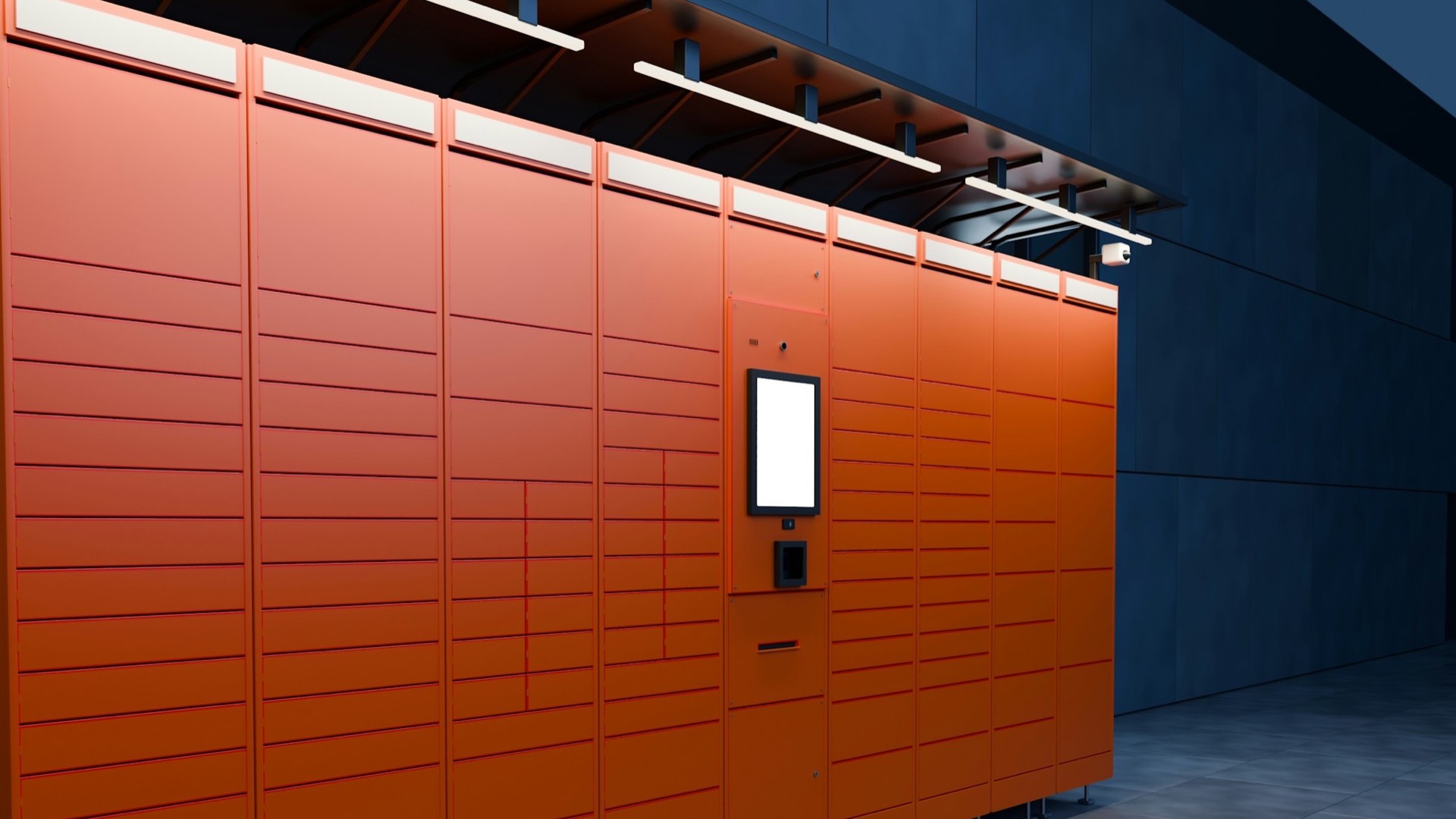
Spind lockers hand out, take back and swap laptops, phones and accessories at every site, while employees collect them with a personal code and IT sees every handover.
Customers
Trusted by IT teams in every industry
The problem
Touchpoints for one faulty device
Talent waste
Senior people spend hours on handovers instead of working
Hybrid work
Employees are rarely on site when IT staff is
Many sites
Every branch expects the same service, but few have IT staff
Off-hours
Devices break at 6 am and on weekends, not 9 to 5
How it works
From request to device in 4 steps
Modules and sizes
Built with respect to industry standards
Drawer size examples
iPhone 17 Pro Max
- Size (mm)
- 163 × 78 × 9
- Opening W × H (mm)
- 175 × 90
12 mm spare
MacBook Pro 16″
- Size (mm)
- 356 × 248 × 17
- Opening W × H (mm)
- 500 × 90
144 mm spare
Integrations
Connected to the tools you already run
Our application
One record for every locker, drawer, device and handover.
Need a specific system? We connect it during the Connect phase of your rollout.
See all integrations
LISSA Asset
Every device in a drawer is an asset with its full history.
Your sign-in
Company account or badge, nothing new.
Your service desk
Tickets close after the handover.
HR systems
Joiners and leavers trigger kits and returns.
Logistics partners
Carriers fill and empty the drawers.
Service partners
Repairs and swaps, every step logged.
Customer stories
What IT teams say
“Our branches finally get the same IT service as the head office, and nobody has to drive a laptop across the country anymore.”
Read the story: Muster Logistik GmbHAnna BergerHead of IT, Muster Logistik
“For the first time a rollout ran in the background while my team worked on real problems.”
Read the story: Beispiel Energie AGJonas KellerIT Workplace Lead, Beispiel Energie
“Our night shift used to borrow devices from colleagues, now they simply pick up their own.”
Read the story: Klinikum MusterstadtDr. Lena HoffmannCIO, Klinikum Musterstadt
Pricing that fits your setup
Every Spind is priced for your sites, devices and use cases, so we put together your offer after a short call.
Rollout
Go live in 12 weeks
Weeks 1–2
Plan
We map your sites, devices and handover flows in one workshop.
Weeks 3–6
Connect
We link Spind to your sign-in, your service desk and your asset records.
Weeks 7–10
Prepare
We build your locker, set up the drawers and train your team.
Weeks 11–12
Go live
Our field partner installs Spind and runs the first handovers with you.
Frequently asked questions
FAQ
Who fills and empties the locker?
Our field partner loads new devices and collects old, swapped and faulty ones, so your IT team never touches the locker.
Which devices fit?
Phones up to the size of an iPhone 17 Pro Max and laptops up to a MacBook Pro 16″ fit, with the opening sizes listed under Modules.
What does it cost?
Pricing depends on your sites, devices and use cases, so we put together your offer after a short call.
How do employees open a drawer?
They get a QR code and PIN, scan it at the locker and the right drawer opens.
Where do we manage Spind?
In our application, with live status, request tracking, code expiry and an activity log per locker.
How do we start?
Start with one Spind at one site: we deliver, connect and set it up, and your employees get their first codes.
Video
See Spind in action